5 Security Risks Hiding in Your Office Printer
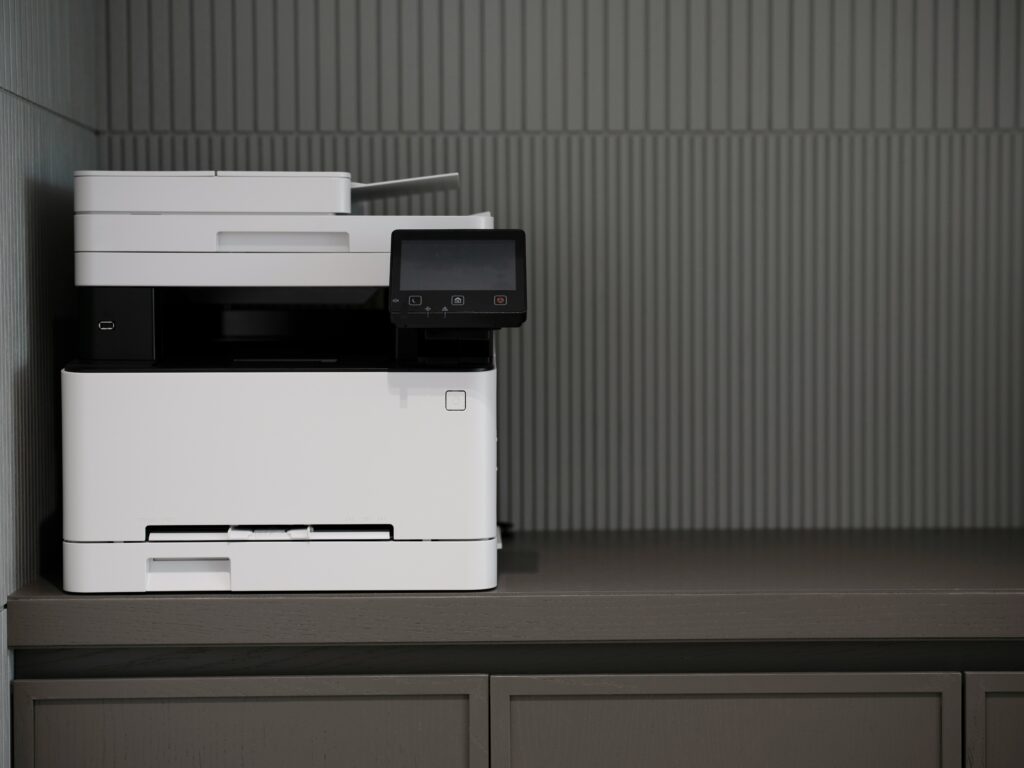
When we think about office security, our minds usually jump to complex firewalls, encrypted cloud servers, or the latest anti-phishing software. We rarely glance twice at the humming machine in the corner of the room that handles our daily paperwork. However, in 2026, the humble office printer has evolved into a sophisticated, high-powered computer that sits directly on your network, making it a prime target for those looking for a way in.
If your business relies on high-quality office equipment to keep operations running smoothly, you need to be aware that these devices are often the “weakest link” in a digital defense strategy. Because they are frequently overlooked by IT audits, they can harbor vulnerabilities that put your entire company at risk.
Here are five security risks hiding in your office printer that you should address today.
1. The “Abandoned Document” Exposure
The most common security breach isn’t a sophisticated hack; it’s a physical one. We’ve all seen it: a sensitive payroll report or a client contract sitting in the printer tray for hours because someone got distracted by a phone call. In a busy office, anyone—from a visiting contractor to a delivery person—can walk by and pick up that information.
Modern security standards, like those discussed by the Cybersecurity & Infrastructure Security Agency (CISA), suggest implementing “Pull Printing.” This requires an employee to swipe a badge or enter a PIN at the device before the document actually prints, ensuring the person who sent the job is there to collect it.
2. Unsecured Internal Hard Drives
Most modern multifunction printers (MFPs) have internal hard drives that store a digital copy of every document scanned, printed, or faxed. If that printer is retired, sold, or returned at the end of a lease without the drive being properly wiped, your data goes with it. Hackers who acquire old office equipment can easily extract thousands of sensitive images from these drives. To prevent this, ensure your devices use data encryption and that you have a “disk wiping” protocol in place for when a machine leaves your facility.
3. Outdated Firmware Vulnerabilities
Just like your laptop or smartphone, printers run on software called firmware. Manufacturers frequently release updates to patch security holes that hackers have discovered. Unfortunately, because printers aren’t always seen as “computers,” these updates are often ignored for years. An unpatched printer can serve as an entry point for malware to jump onto your broader corporate network.
4. Interception of Data in Transit
When you click “print,” your document travels from your computer to the printer across your office network. If this path isn’t encrypted, a malicious actor on the same network can use “sniffing” software to intercept the data packets. In essence, they can see exactly what you are printing in real-time. Using secure protocols like IPPS (HPPS over TLS) ensures that your data is scrambled and unreadable to anyone trying to eavesdrop on the connection.
5. Open Ports and Default Passwords
Many printers arrive from the factory with “open” settings to make them as easy as possible to install. This often includes enabled “Telnet” or “FTP” ports that aren’t necessary for modern printing but provide an open door for hackers. Furthermore, many businesses never change the default administrator password (like “admin” or “1111”). According to Quocirca’s Global Print Security Landscape report, a staggering number of security incidents originate from these simple configuration oversights.
Protecting Your Workplace
Securing your office doesn’t stop at your desktop. By treating your printers with the same level of scrutiny as your servers, you close a major gap in your defense. Simple steps like changing default passwords, enabling encryption, and educating your team on “tray etiquette” can go a long way in keeping your proprietary information safe.