Booking an Outside Speaker to Teach Digital Money in Class
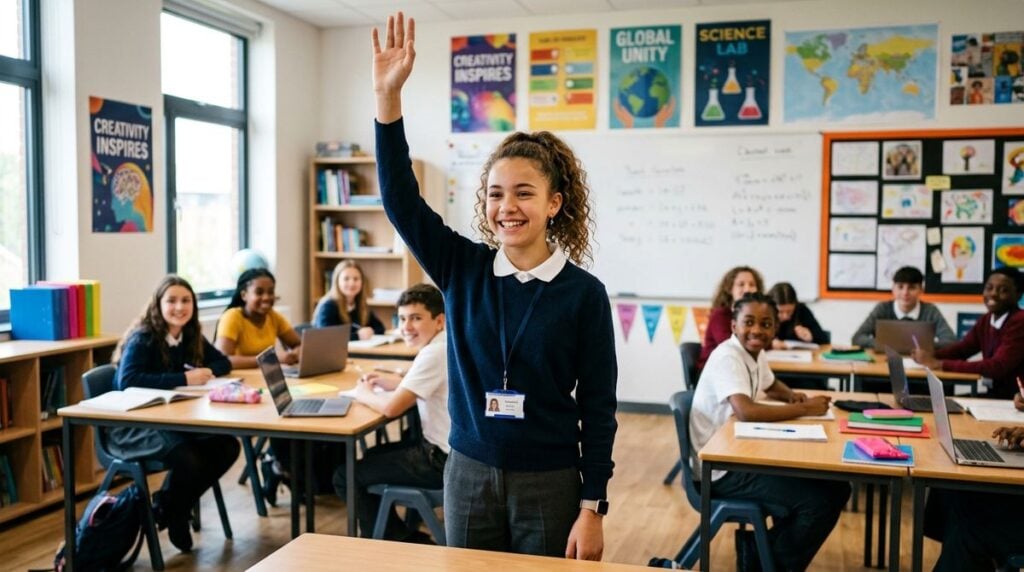
Students now meet digital money and online advertising long before they can explain how either works. A guest speaker can turn those everyday topics into a useful lesson on scams, marketing tactics and how to judge claims. The right visitor adds credibility and fresh examples, while the wrong one may push products or make promises no classroom should accept. Teachers and parents who plan such a visit benefit from a short set of questions about background, content, neutrality and student safety. These points offer general guidance for schools and families, and they assume the goal is education rather than recruitment.
Confirm the Speaker’s Background and Purpose
Start with the speaker’s professional background. Ask what work they do, which organization they represent and whether they teach or consult for businesses that sell digital products. A speaker who explains their purpose clearly is easier to trust than one who speaks mainly about opportunity. Request a short biography and an outline of the lesson before anything is confirmed. Readers may also want to visit Bitmoji. Ask how the speaker would respond if a student asked for personal advice about spending. A thoughtful answer usually signals an educator rather than a seller. Ask whether the speaker has taught in schools before, and whether they are comfortable with a teacher stepping in to redirect a discussion that drifts off topic. Agree on a simple signal the teacher can use to move the discussion along, so that the visitor feels supported rather than corrected in front of the class.
Set Clear Limits on the Lesson Content
A classroom session should teach concepts rather than sell a service. Ask the speaker to focus on how online advertising works, how to spot pressure tactics and how to evaluate claims about any financial product. Agree that the presentation will not include calls to open accounts, buy tokens or join a program. You can also visit Carolina Articles for more reading. Share the slides with the school in advance so that staff can review them before students see them. Ask whether the speaker will take questions at the end, and whether those answers will stay general. Students often ask about a specific app or coin they heard about at home, so ask how the speaker plans to respond with a neutral explanation rather than a personal opinion.
Ask How Sensitive Information Will Be Handled
Students should never be asked for personal data during a visit. Ask whether the speaker will collect names, email addresses or other contact details, and whether any sign-up sheets will be used. Confirm that any demonstration uses fictional accounts and public examples only. For a related read on this site, see What to Ask a Family Mediator Before the. Keep the room supervised and ensure a staff member remains present throughout the session. Ask also how any photographs taken during the visit will be used. Schools usually have consent forms for images of minors, and a visiting presenter should follow those rules without exception, including for group shots taken at the end of the session. If a school policy forbids images altogether, the speaker should agree to that rule before the visit and confirm it again on the day.
Check Age Suitability and Classroom Tone
A session that suits older students may overwhelm younger ones, so ask how the speaker adjusts examples by age. Good presenters use simple language, relatable scenarios and time for questions. Ask whether the speaker has experience with mixed groups, including students who may be anxious about money at home. The tone should stay calm and educational rather than alarming, since fear-based messages tend to leave students confused. A short rehearsal with a teacher can reveal whether the pacing and vocabulary fit the grade level. Ask the speaker to time each section, since a lesson that runs long leaves little room for the questions that often matter most to students.
Follow Up With Students and Families
A lesson sticks better when it continues at home. Ask the speaker for a short summary students can take home, and share it with families through the usual school channel. Invite questions afterward and collect feedback from teachers about what landed well. Feedback helps the school decide whether to invite the same speaker again or to choose someone else for the next session. Thank the speaker in writing and note any ideas that the classroom might reuse in future units. Ask students to write one thing they learned and one question they still have, since those short notes show quickly whether the message landed as intended. Share a short summary of those notes with the speaker afterward, since honest feedback from young learners is often the most useful guidance a visiting presenter can receive.
Education Comes First in the Classroom
A guest speaker can make digital money and online marketing easier to understand, but only when the lesson stays educational. Background checks, clear content limits, privacy protections and age-appropriate examples keep the focus on learning. Schools that plan carefully give students a practical skill that will remain useful long after the visit ends.